This allows you to check for updates to your Point of Rental Software. It is suggested that you run your updates at least once a week. Point of Rental is always making enhancements to the software and pass them on to our customers. It is important to stay current with the latest software updates and releases.
From Program Menu>Configuration> Counter System>Dispatch Center
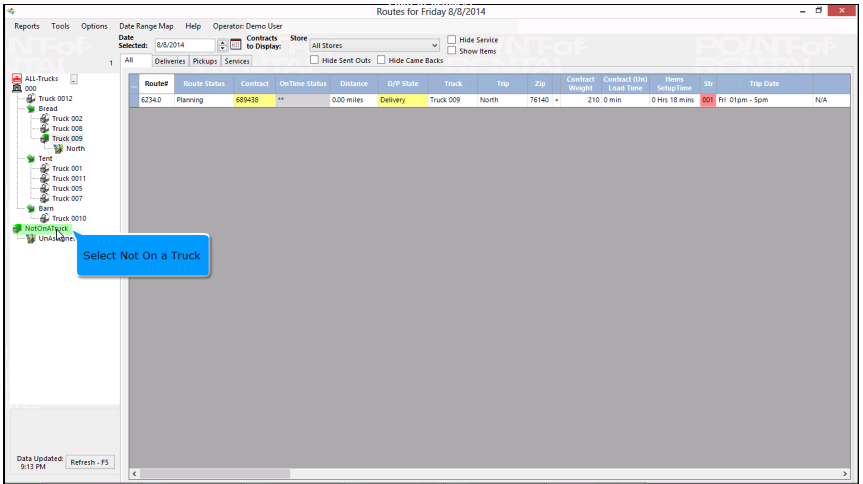
Once you are in the dispatch center, you will automatically be in the current date to start routing. If you are routing for a different date, you can either select from the up and down arrows or use the calendar to select the appropriate date.
Select All Trucks – You will see a list of all trucks and trips for the selected day.

Select a specific Truck – Will show all contracts and trips for that truck only.

Not on Truck – will show all un-routed and pre-routed contracts.