User Profile Configuration
Each Point of Rental user that is writing documents that need to be passed to Epicor Point of Sale must be in the table below. The Terminal field is the User’s login. The RemoteIPAddress is the User’s PC IP Address. The LocalIPAddress is the Point of Rental Server IP Address.

Additionally, the Account and Cash lines configure how to handle passing contract information from Point of Rental to Epicor Point of Sale. The FileAddress field includes an explanation for the ClerkText field:
0: Closed; 1: Open & Closed; 2: Open,Closed & Reservation
If 0 is entered, only closed contracts will be passed to Point of Sale (this is the Account Customer default). If 1 is entered, only open and closed contracts will be passed. If 2 is entered all contract statuses will be passed (this is the Cash Customer default) when payment is taken.
The Terminal field is the PC User name and can be found at the bottom of the Program Menu

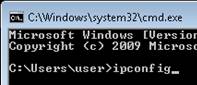
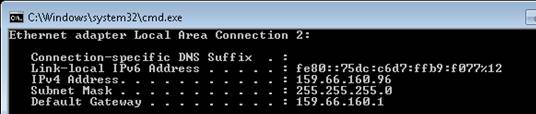
The User’s PC IP Address can be found by running ipconfig from the command prompt