Transfers Between Stores
The Transfers Between Stores Report shows all the items that need to be transferred from one store to another store. This is only used for multi-store systems. You must first mark the items for transfer by writing a Transfer Contract. You do this by opening a contract to a customer whose key starts with “XFER- “.
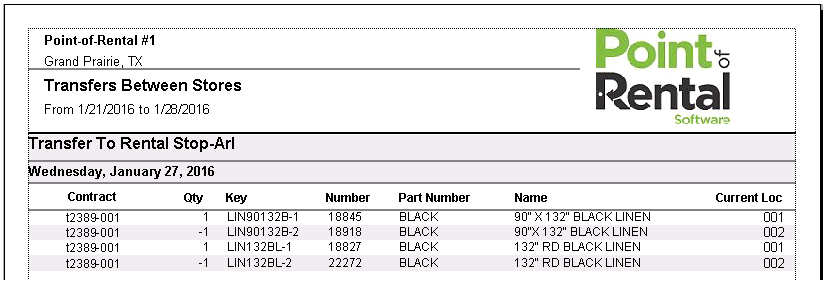
The report will look like the following report.