Store Totals File
In the case of the Totals file, instead of a search key you will be requested for a beginning date and an ending date. For Modify Store Totals, you will only be asked for the beginning date. The sum of the totals for that time period will be displayed, such as the following:
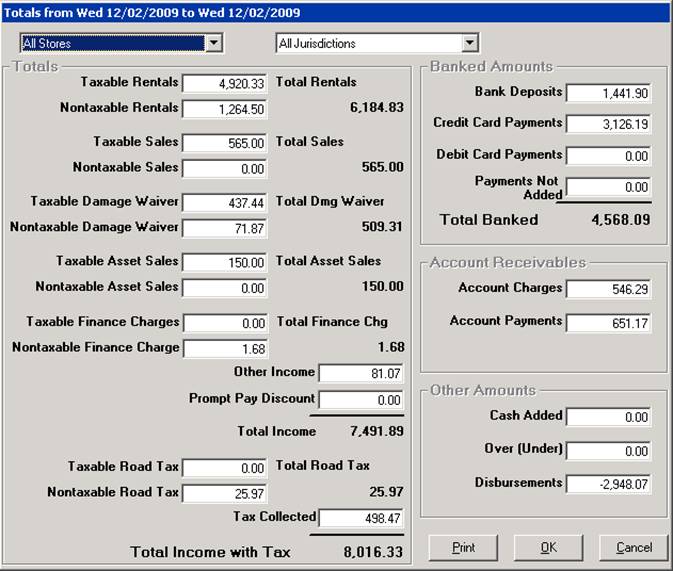
At the top right of the screen, you can choose the tax jurisdiction to display. For multi-store systems, you can choose the store by using the drop-down box at the top of the screen.
Note: If you select today’s date, you will see the store’s up-to-the-minute totals. However, if you select today’s date and you have already closed for the day, the totals will show zero since you haven’t done any business yet for the new business day.