Reports
Open Items – This option will print a report showing all the open items for this customer. The report will look like the following:
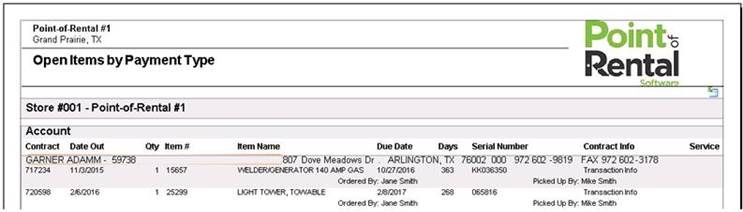
Open Items by Job – This option will print a report showing all the open items for this customer grouped by the job site.
Open Items by Item – This option will print a report showing all open items for customer listed by Due Date, Contract Number, Date Out, Item, Item Name, Serial #, Contract Info, Service.
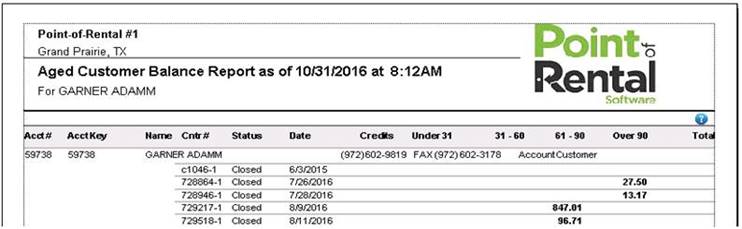
Aged Balance – This option prints an aged balance for the customer. The Aged Balance Report looks like the following:
Statement as of Today – This option displays the customer’s statement as of that moment. You can then choose to print, fax, or export the statement to email by clicking on the export button (an envelope) at the top of the screen. The statement will look like the following:
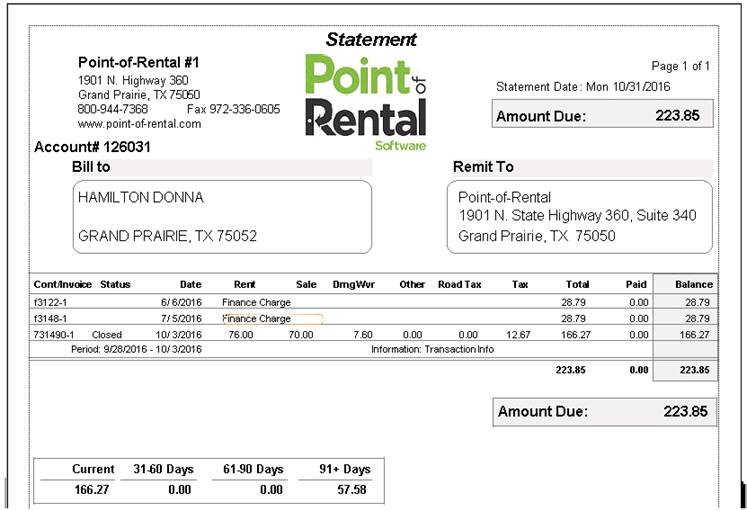
Statement as of – Each time you generate a statement for a customer, an Adobe PDF copy is created. This option will display that PDF copy of the statement as of the date listed.
Statements with Invoices – Will print the statements along with that copy of the corresponding invoice.
Customer Dashboard – This will bring you to the customer dashboard screen.

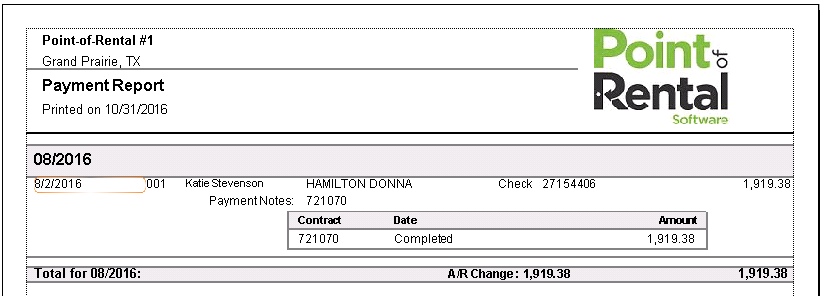
Payments Report – This option displays the details of all the payments made by this customer. The report will look like the following:
Price Overrides – This option displays all the price overrides for this customer grouped by the employee who did the override. The report will look like the following:
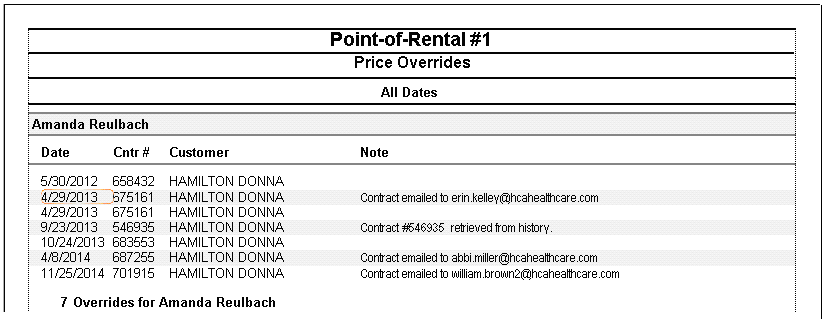
Contracts Posted to Totals – This option displays all the contracts that were posted to totals for this customer. The report will look like the following:
Sold Asset History – This report displays all the contracts where an asset sale has been done for this customer.
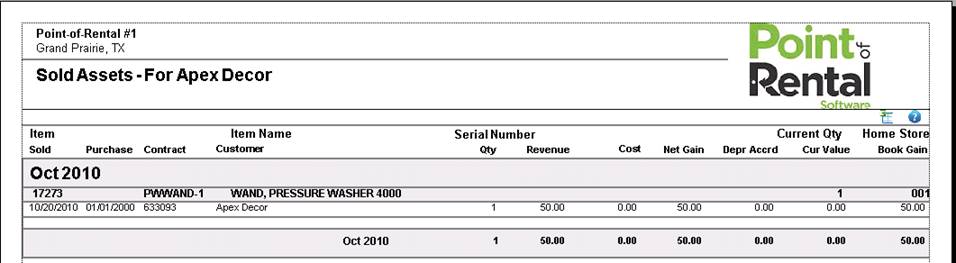
Call Logs – This option prints all the calls logged for this customer. The report will look like the following:
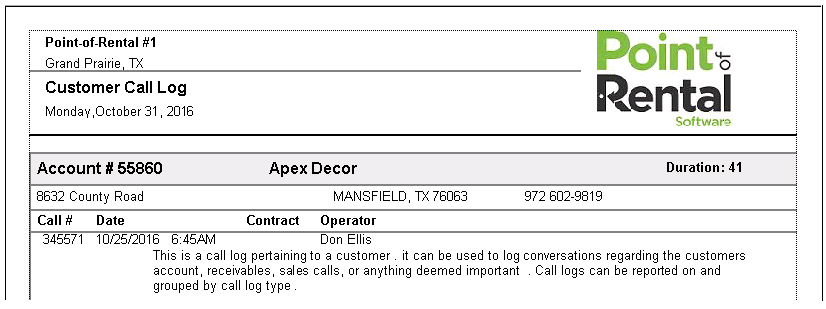
Account Summary - This option displays the customer’s account history with your company such as account open date, credit limit, high balance, current balance and average days to pay. This report breaks the information down between the Last 12 months and Life to date.

Price Listing – This option displays a Price Listing Report. If this customer has any special rates set, then those special rates will be displayed.