Point of Rental Work Order
•Point of Rental® Software automatically adds the ordered part to the work order for the rental fleet unit.
•Stocking orders are also permitted.
•The manufacture’s part number is listed
•The net price is listed
•The order quantity is listed
•The vendor quantity available is listed
•If vendor quantity is 0 the part will be placed on back order
•Uncheck the item to remove it from the order
•Click Create Order to create the Point of Rental purchase order


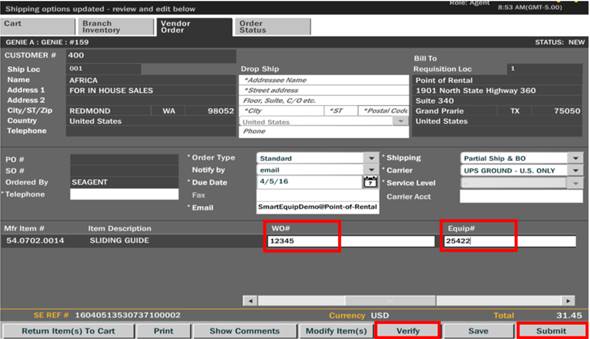
•To assign the part to a work order, add the work order number to the WO# field and the unit number to the Equip# field
•Click Verify to validate the work order number and unit number
•Click Submit to place the order, create the Point of Rental purchase order and add the part(s) to the Point of Rental work order
•Stock orders can be created by leaving the WO# and Equip# fields blank
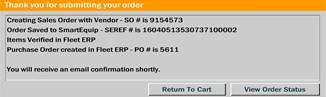
•A success notification appears once the order is created providing the Point-of-Rental purchase order number.