Email Attachment File
Overview: Allows you to add files for attachments to a designated folder where documents can be added to customer’s contracts, such as (credit applications, authorization lists, signed contract from field, etc.). Recommended save documents as a PDF file.
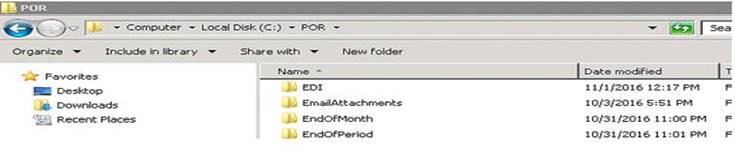
1. From your Server, go into the POR folder on your c drive (usually the c drive). Find the Email Attachments file folder. Save the documents in this folder.
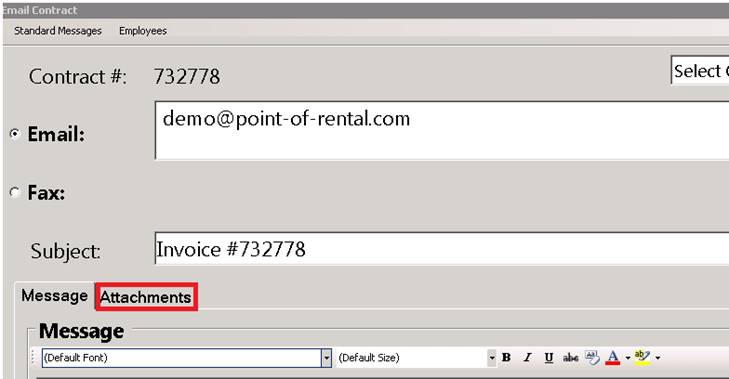
2. When emailing a contract to a customer, click on the attachments tab and select the document to include in the email.