Customer Type
How to get there: Program Menu > Configurations > Customer Type
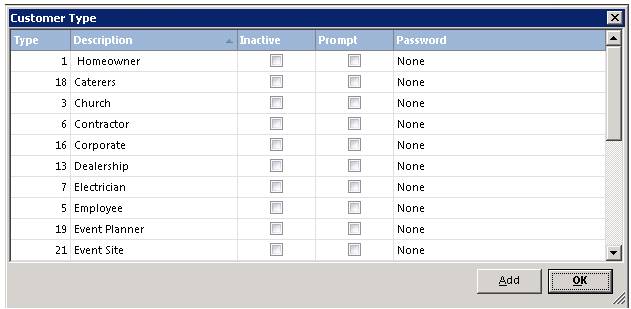
The Customer Types allows you to group customers. You can setup generic types such as Home Owner, Contractor, etc. Or you can setup types such as Employee, Mini-storage, etc. Multiple reports such as Statements and Accounts Receivable Aging allow you to run those reports by Customer Type. Once the Customer Type has been defined, simply select the desired type from the drop-down box in the customer’s record.
Prompt
Click the add button to create the customer type.
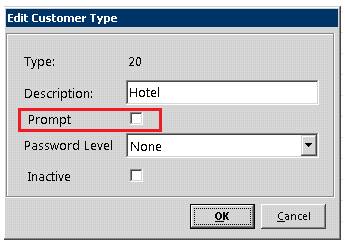
If this box is checked, when writing a contract under a customer with the respective status, you will be given this message
