Creating Fax Cover Sheets
Overview: Creating custom Fax Cover Sheets for use when faxing transactions to customers from your Point-of-Rental system.

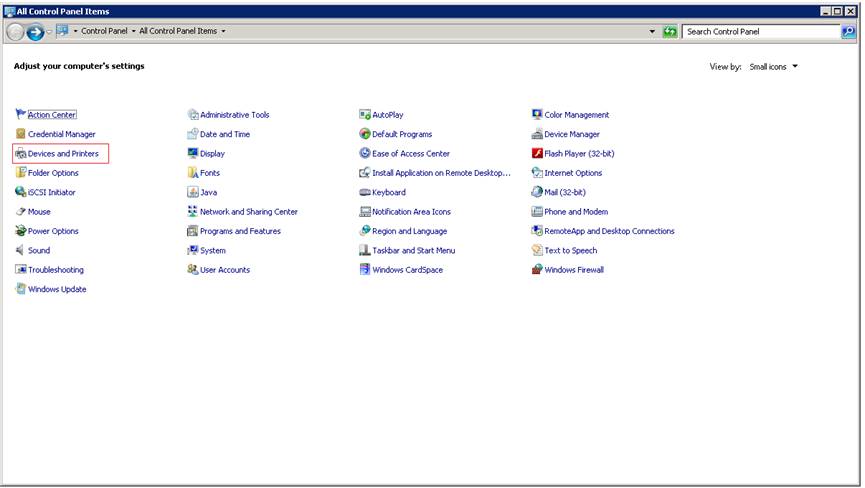
1. Open Printers in Windows. Printers can be found in the Control Panel.
2. Double click the Fax icon.
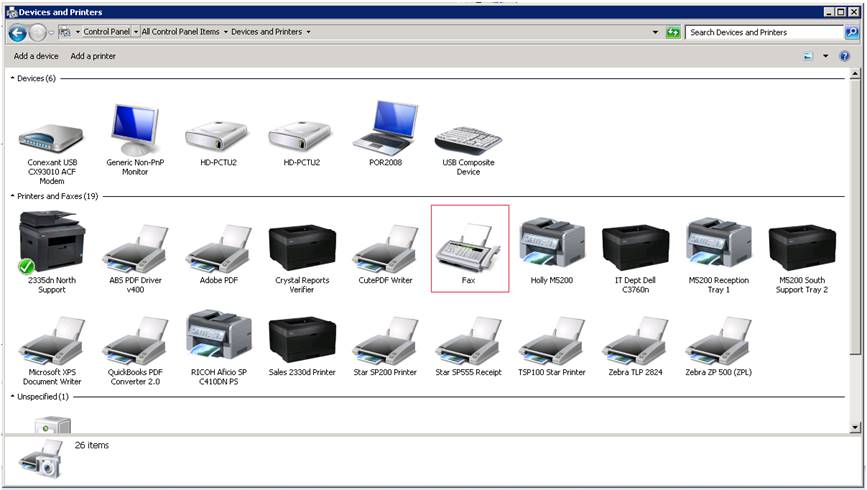
3. Select Tools Then Cover Pages.

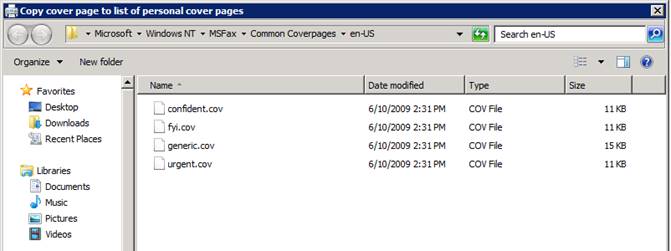
4. Select Copy

5. Choose a format to copy and double click the file.
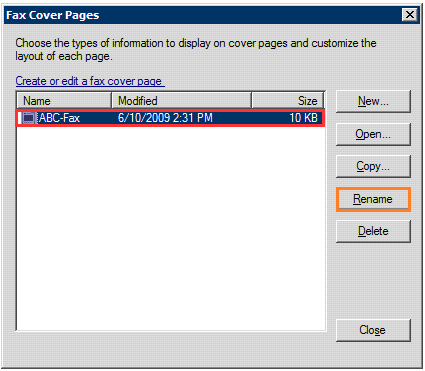
6. You may rename the file if you wish.
7. Edit the file and make the necessary changes.

8. Select File and then Save.
9. Select File and then Save As.
10. Browse to C:\POR\FaxCover and click Save.
Your new cover sheet will now be available to select when faxing a contract from Point-of-Rental or Windows