Check/Card Lookup
How to get there: Program Menu > Accounts Receivable > Check/ Card Lookup
This selection prints a report showing all the payments that used a specific check number or credit card number. When you select Check/Card Lookup from the Accounting Menu, you will see the following menu:

Enter the check number or last 4 digits of the credit card, then click Search. A report similar to the following will be displayed with matching payments:
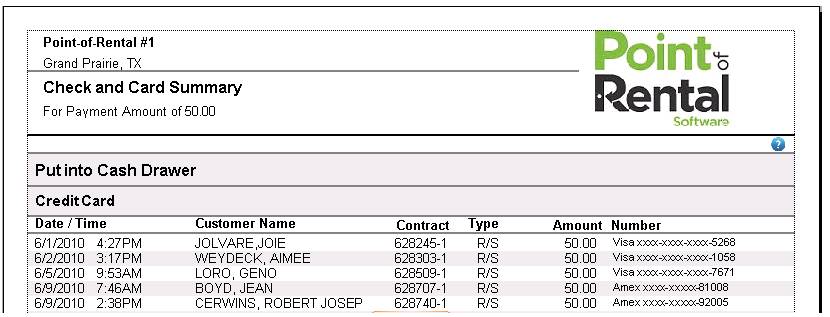
* Note: There is a ? icon on the report, this is a link, taken you to Net Help documents.