Asset Sale
Asset Sales - Quote
Overview: You have a customer who is interested in purchasing some equipment from you but only wants to get a quote. You can create an Asset Sale Quote, without removing the item from inventory.
1. Go to Counter System > New Contract>Quote
2. Select the valid through date of the quote.

3. Enter a quote time
• Note: The inventory selection screen will appear, Don not enter anything, select done to cancel out of this screen.
4. At the bottom of the contract you will right click on the add item button. Select the item being quoted for sale.
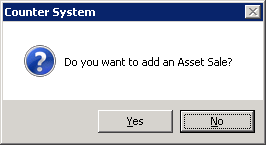
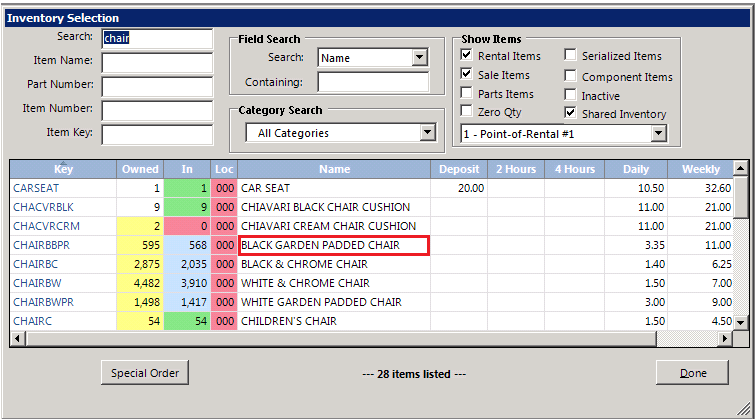
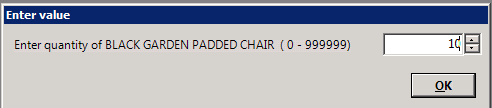
6. Enter the quantity of the amount to be sold
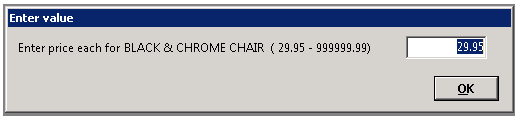
7. Enter the price each for the item.
8. Enter a description of why it’s being sold

9. You will see the line item status is now showing Sold Asset. The contract Status is showing as a Quote.

10. You will see the contract value as changed to reflect the amount of the sale.
Note: This will not remove the item from inventory until the status of the contract is changed to open.