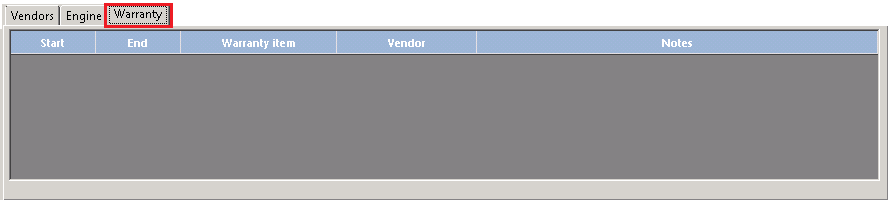
This field holds the date that the manufacturer’s warranty expires on this item.
Right click in the grey box, this is where you can add, delete or modify warranty information.

The Edit Warranty Detail screen will appear. You can enter the warranty part in the top box, you can also enter the Start and End Date of the Warranty.

The Warranty By, will allow you to look up a vendor and assign them in the Warranty details.