
Overview: There are times when you might be running low or out of stock on certain rental items, the you need to have transferred from your sales inventory. With a few clicks of a mouse, you can now move items from sales inventory to your rental inventory.
•Note: You must have store manager or above to be able to transfer sales inventory to rental.inventory.
1. From file record, select, Functions, then Transfer Sales Item to Rental
2. Enter Yes, will allow you to transfer the sale item into the rental item.
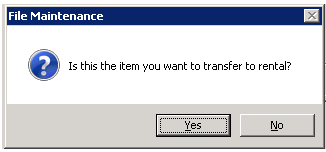
3. Select NO, if you already have the item created in your rental inventory. This will allow you to add inventory to the existing record. If you select YES, then Point of Rental will try to create a new rental record for you.

Note: If you select Yes, then a Rental Item Record will created, were you can change the key name. Mostly used for new items, that have not already been created in the inventory.
4. Select the rental inventory you are going to transfer the item into

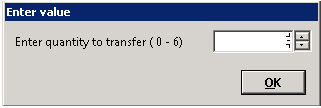
5. Once selected, you will be prompt on how many you would like to transfer.
6. If the item has a header record, then the serialized record will automatically be created. Point of Rental will create the next serialized record in the sequence.
