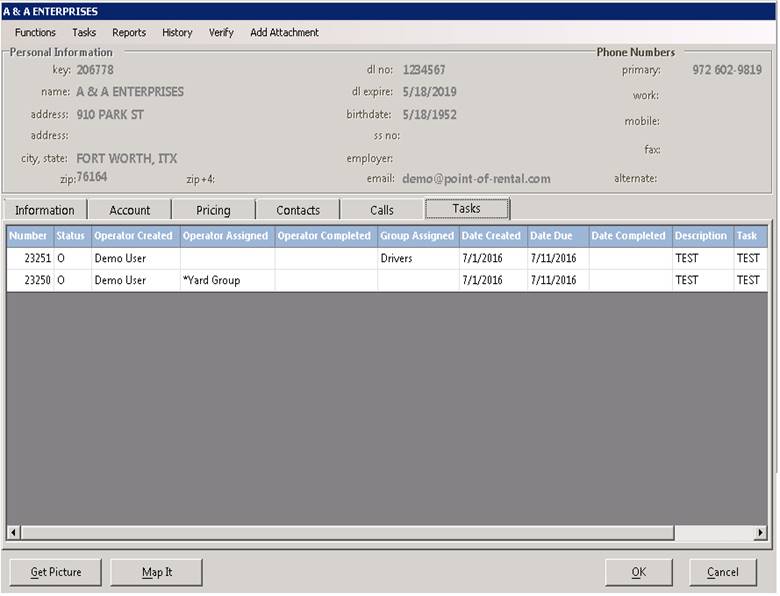
Select from task at the top of the customer record to add a new task, you can set a personal task, Store & Group Task or one assigned by you.
Click on select under Employees to assign a task to a single or multiple employees. From the drop down select Group, Store, Contract. You can add in Descripton, Due Date and frequency.
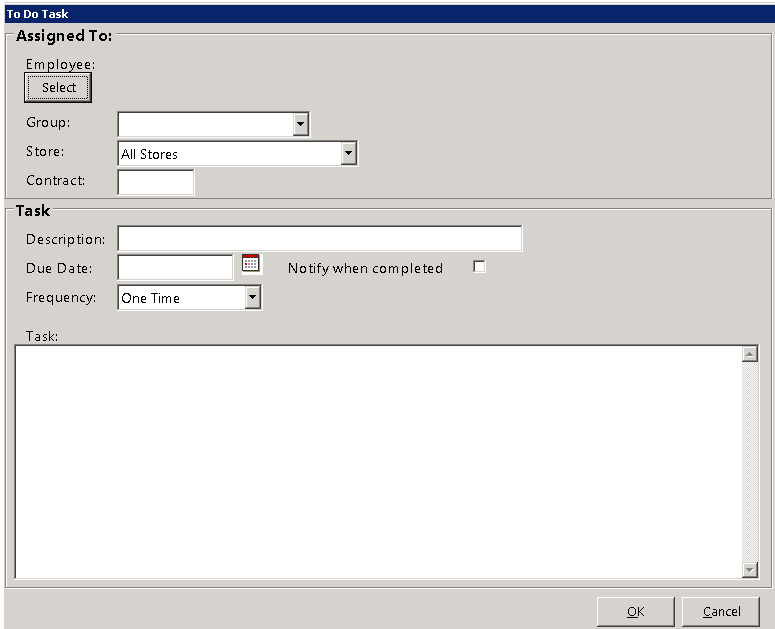
Once completed, you will see under the Store & Group Tasks tab the scheduled task. Once done select ok.

Task will now show under the Tasks tab.
