
Overview: Allows you to call Off Rent the original contract display it as a Pick Up Due and opens a new contract for the new location displaying it as a Deliver to the new address.
Program Menu>Counter System>Closed Contracts>Site Transfer
When closing the contract select Site Transfer.
1.
Enter a transfer Date. This will be the date of the new contract.
Enter a transfer Time
Here you can enter any notes into the call log.
* Note – Once call log is added you will see a call # added.
The status of the contract will change to a hold status. A Delivery and Pick up window will appear, enter you new delivery date and time.
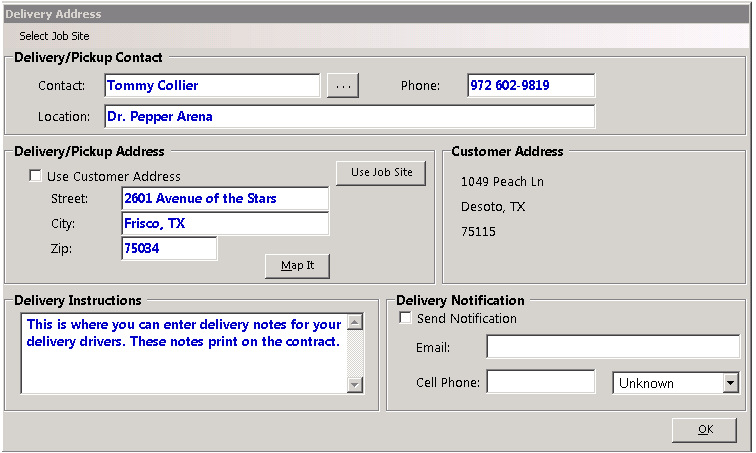
Select the new Job Site; this is the location for the continued contract.

* Note - When creating the Inter-site transfer, the Delivery Truck and Pickup Truck values will be cleared to keep the dispatcher from getting confused with the original delivery and pickup.
Once done the contract number will now be continued to the next letter and the status will change to Inter-site delivery
