Through your mobile workforce, you have the capability of capturing customers signatures on a contract from the jobsite. The signature will be sent back and displayed when the contract his printed. There will also be an edit stored in the transaction edits, when the contract is modified.
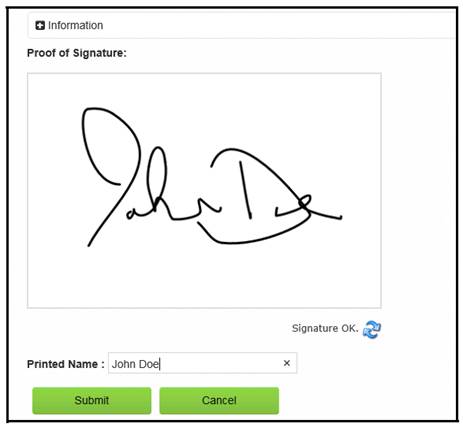
From your Mobile Workforce device, go to contracts, you will be able to select signature as an option. The box below will appear were you can have the customer sign and print their name.
•Note – if they make a mistake, you can resign by selection the blue arrows.
When finished, select submit button. You will be prompt showing the signature was successfully submitted. When a contract is modified, an entry will be added to the transaction edit, showing a signature has been imported.

The signature will appear on the contract when the contract is either viewed on the screen or printed.
Ex. (Contract View)
