You can give a customer a quick quote over the phone or at the counter by selecting the quote button in Item Availability. Quick Quotes will display the Price, Damage Waiver, Tax and Total amounts. It is a quick way of seeing the real time information, without actually creating a quote contract.
Go to Program Menu> Item Availability
Select Quote button, located in the bottom left corner of the Item Availability record.
You will be asked to enter the selected hours (day, week, month), along with the quantity needed. Once done, the quote will be displayed and broken down by (Price, Damage Waiver, Tax and Total).
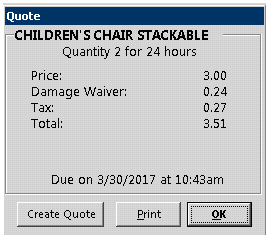
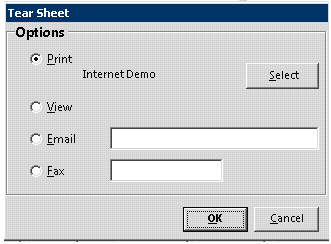
If customer would like to place an order, you can created quote by selecting the create quote button. You can also print, fax or email a quick quote to the customer.