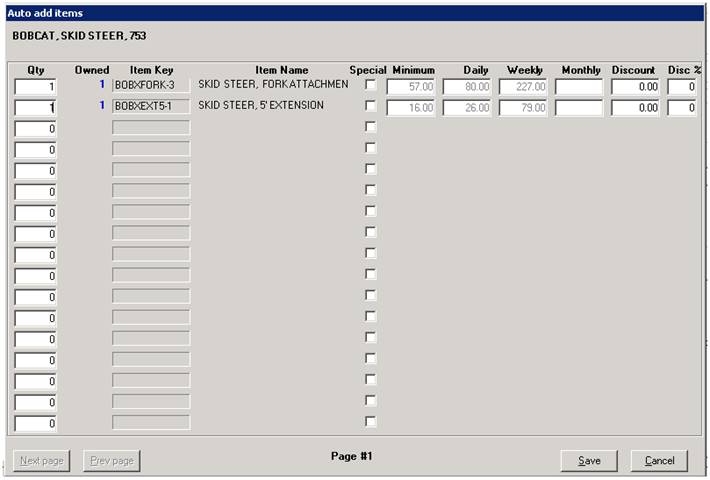
This option allows you to view or select the Package Items. The Package Items are setup just like the Suggested Items. The only difference between a Package Item and a Suggested Item is that the Package Items are automatically added to the contract in the quantity entered on this screen. The counter person does not have the opportunity to change the quantity until after the item has been added to the contract. You cannot enter an item with a quantity of zero on a Package Item.
Next page – you can define unlimited line items on the Package Items. Use the Next page button to go to the next screen to enter more lines.
Previous page – this button will go back one screen.
You can define a Special Price for each line item of the Package Items. To do this check the Special Price checkbox, then enter the pricing you desire. You can also define a discount dollar amount or a discount percentage amount.
Note: You must use the Package Items to set the items to include in a Rental - Package item type.
** Note: Under the options tab, make sure the box is unchecked to suppress availability. If box is checked the quantity of the package item will display 99999