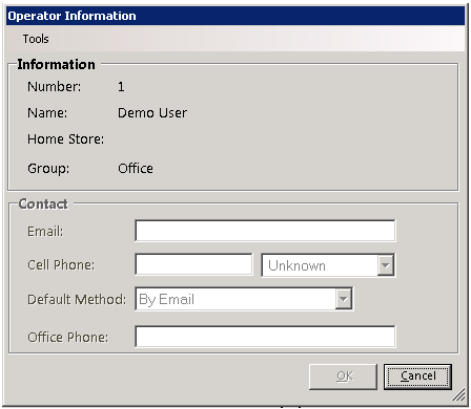
Overview - Allows an employee to set their own email, cell phone, and desired contact method. The employee can also change their own password and if they have forgotten their password, they can request a new one.
Go to Program Menu>Counter System>Tools>Operator Information.
Tools:
Modify Contact Info - From Tools, select Modify Contact Info will allow you to update operator contact information.
Change Password – Allows you to change your log in password.
Forgot Password - Will send you a temporary password by email