Although you can store credit card information as described above, it is recommended that you use the Open Credit Card payment type to store a credit card number. This must be turned on in Parameters. Open Credit Card is used in the payment screen in place of taking a payment and cannot be used if you are taking a payment or deposit or have already taken a payment or deposit. This method allows for future use of the credit card, validates the credit card number (eliminating data entry mistakes), and checks to make sure the account is valid and open.
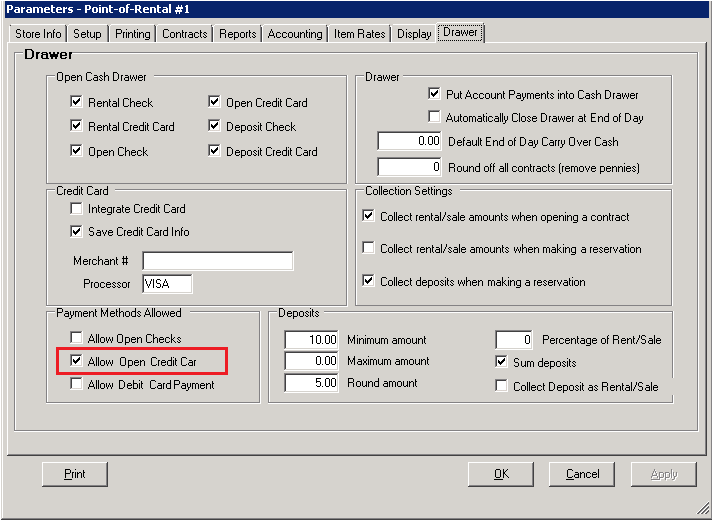
First make sure the box for Open Credit Cards is checked in parameters. Program Menu>Configuration>System Configurations>Parameters.
a. Check the box for Allow Open Credit Cards.
From the contract payment screen you will have the option to choose open credit card. This will be available for both Cash and Account Customers.

Once the Open Credit Card has been selected the status in the paying column will change from cash to Open Card.

A pre-authorization for a penny will occur to confirm that the card is valid. When you are ready to take the payment choose D – Credit Card.
* Note – If a partial payment has been made then Open Credit Card will not be an option to choose from on the menu. You will use the credit card option for the remainder of the payment.