On the contract processing screen, you can now multi-select rows and then move those rows as a group to a specific line. This will allow you to quickly put all of the items for a particular area to be grouped together.
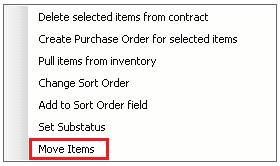
Using your CTRL, key and left-clicking with your mouse you can multi-select items, then right click one of the items and select Move Items.
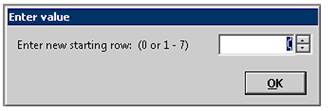
Enter starting row number