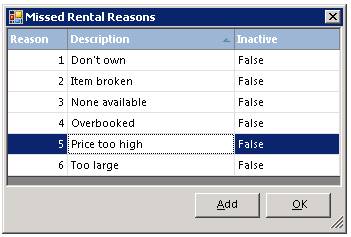
How to get there: Program Menu > Configurations > Item Configurations >Missed Rental Reason
This option allows you to create a list of reasons why the customer was not able to rent what they were looking for. The reason will be listed on the MissedRentals Report that you find under Analysis Reports; Inventory Reports.
If you want to remove the Rental Reason, then click on the line, and select inactive.
