Special Features
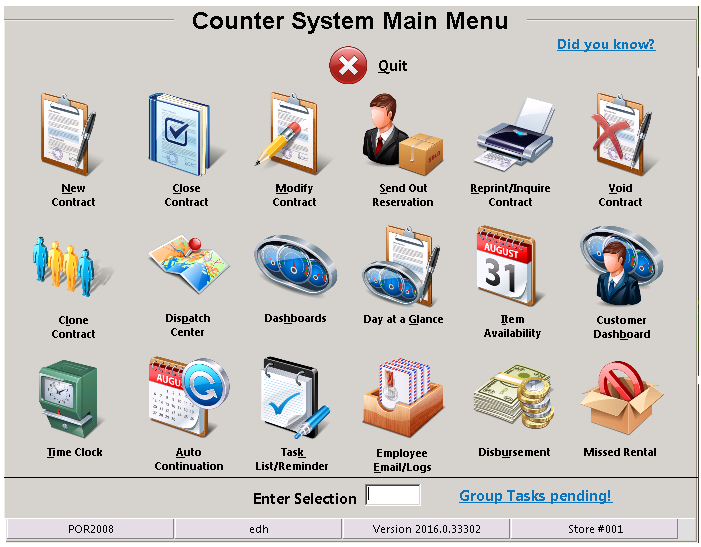
From the main counter system screen you will see messages appear in each corner of the Couner Menu screen. These messages are sent to you, requiring your attention. Once the message as been addressed, it will disappear from the screen.
Did you Know – Located in the upper right corner of the Counter System Menu. It is a helpful guide, giving you useful tips on features within the Point of Rental System.
Group Tasks pending – Located in the bottom right corner of the Counter System Menu. This is an alert or task assigned to memebers in a group, that requires attention.
Task Pending – Located in the botom left corner of the Counter System Menu. This is an alert or task assigned to you, that requires attention.