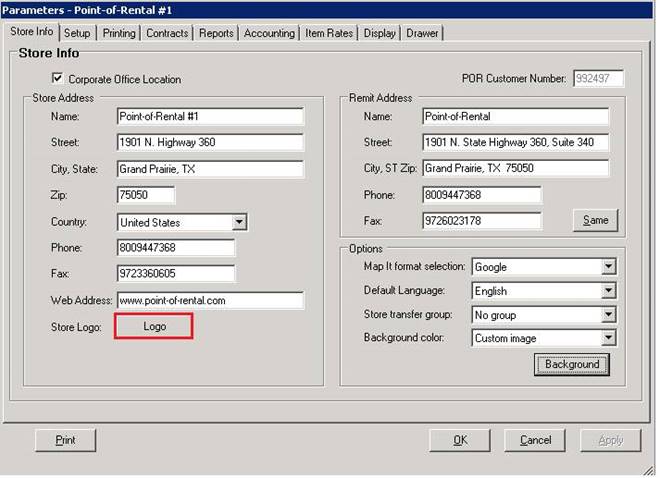
Overview: This button allows you to store your company logo in the database. It can be used on the top of your contracts and reports.
a. It is recommended you store your logo on your server. ex. (drive):\por\pictures.
b. From server right click on the logo image, select copy
c. Go to Configurations>System Configurations>Parameters>Store Logo
d. Select Logot Button - Right Click>Paste
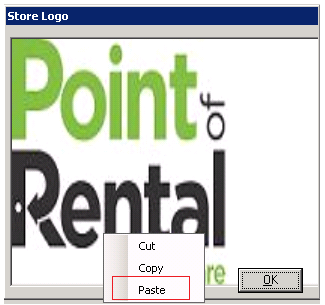
•Note: Image should be 300 dpi or higher and should not exceed 640 pixels.
•To add logo to top of contracts or reports, see Contract Formats in Net Help.