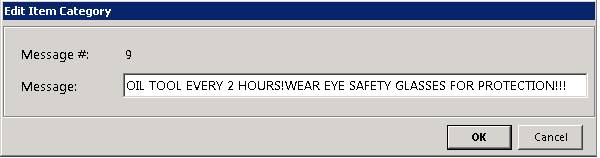
How to get there: Program Menu > Configurations > Item Configurations > Item Messages
The Item Messages allows you to print a message on a contract under a specific item. Enter the message in this screen and the system will automatically assign a message number. In each item record, there is a field name “msg code”. For every item that you want that message to print, enter the system assigned message number in the “msg code” field of the item. The screen will look similar to the following:
Edit Line
Click on message line you would like to change or delete. To remove the item message, simply blank out the description.