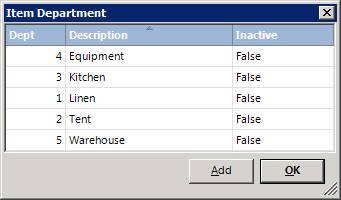
How to get there: Program Menu > Configurations > Item Configuration > Item Departments
Item Departments can be used to group items together. You can set the default department under Item Category or by item through File Maintenance.
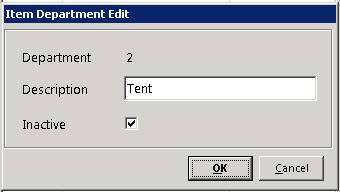
To edit a created department, click on the department name, and you can check the box to make the department inactive.