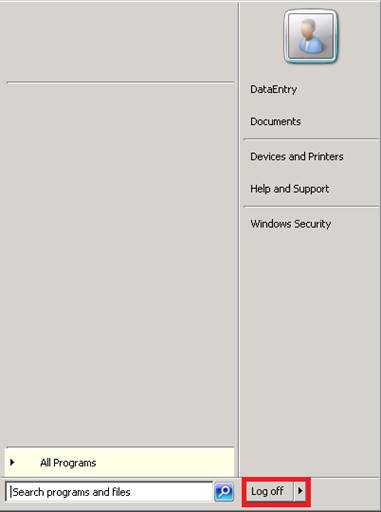
When you are ready to close for the day, you should always close the Point-of-Rental program. This will ensure your updates and/or backups will work properly. It is important for your employees to know the proper method.
Do not click the X at the top of the screen. This will disconnect the session but Point-of-Rental will still be running. There is no good reason to ever disconnect a session. The correct thing to do is to log off.
Before logging off, you will need to close all programs currently running. You can see all running programs on your Task Bar. In the example below you can see four programs running: Outlook, the P-O-R Program Menu, Counter System, and Item Availability.
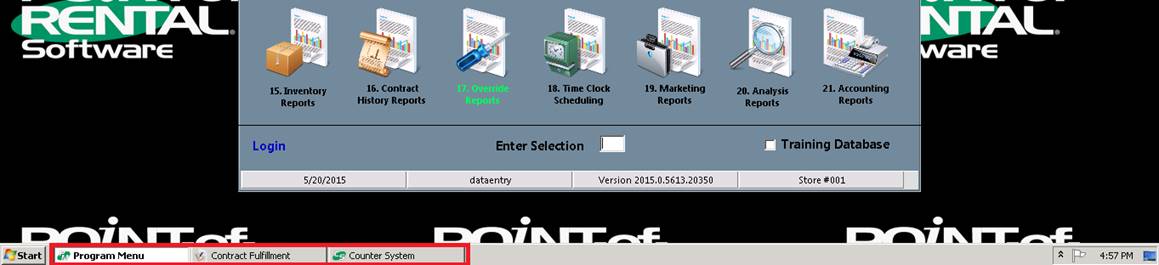
If you are in Counter System or Program Menu, you can close it by clicking the round X at the top center of the menu.

As soon as all programs are closed, click the Start button in the lower left corner of the screen and then click the Log off button.