
Overview: Almost all reports generated with the system can be emailed, faxed to other programs very easily.
•NOTE: You will have to set up faxing and emailing functions on your server and make sure they are working properly from the terminal you are working from.
Note- Point of Rental does not store emails, you can set up a blined carbon copy (bcc) to have a copy sent to your inbox.
Email:
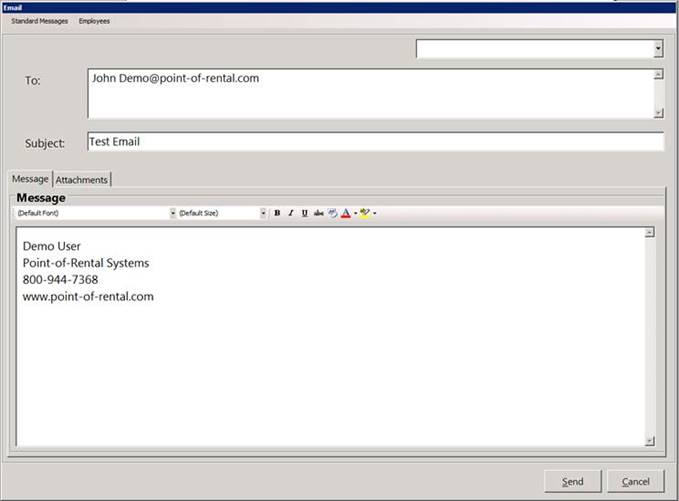
1. Once the report is generated, from the toolbar, choose the envelope icon on the top left under the report heading. This will email your report using your default email program.
2. Put in an email address, subject and message and click send.
Fax:
1. After generating the report, click on the icon with the printer and select “Fax” in the printer selector. Click Print.

2. Select fax from the printer selection.
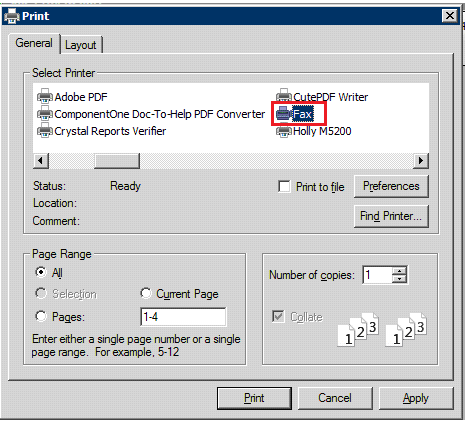
3. Enter in the fax number you wish to send to, enter a subject and message if you wish and click send.