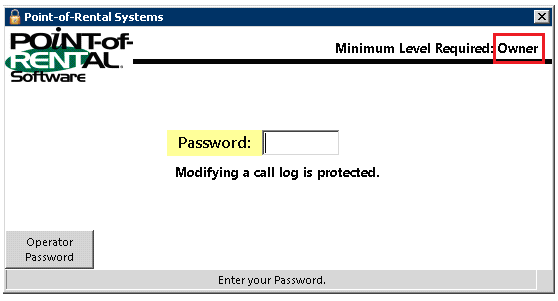
Overview: It is easy to mistakenly add something to a call log when you are busy. It used to be you needed an Owners Level password to make changes. No longer, now you can set the security level to change call logs.
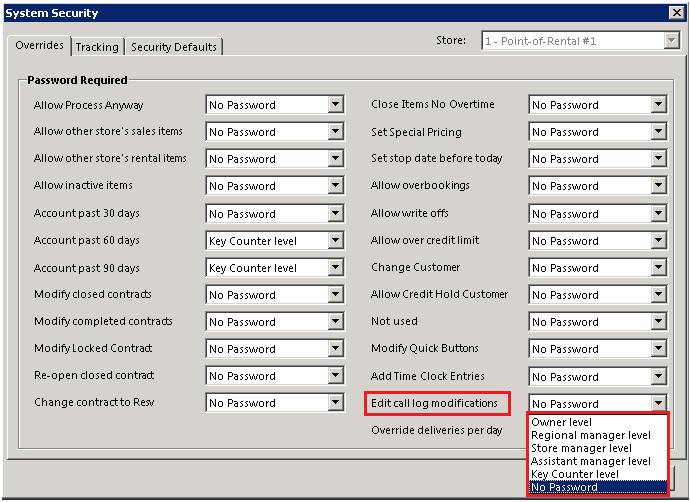
1. Go to Program Menu>Security>System Security>Edit Call Log modifications
2. From the drop down menu – select the security level
3. Go to either Customer Record to retrieve call log
4. Select Modify from within the call log

5. Select modify, the security level requirement as changed from owner to what you set the level at. Once you enter your id and password. You will be able to edit your call log.
