Program Menu>Analysis Reports>Customer Income Menu>Customer Income by Grouping. From group one, select Customer Rewards.
This report will show you customers who are and are not entered in the customer rewards program. Clicking on the blue heading will drill down to a detailed listing of the customers who are entered in the customer rewards program. Customers who are not entered will be listed as undefined.
.You will also be able to view customers and the amount paid to date and lifetime to date, along with the number of contracts accruing rewards.

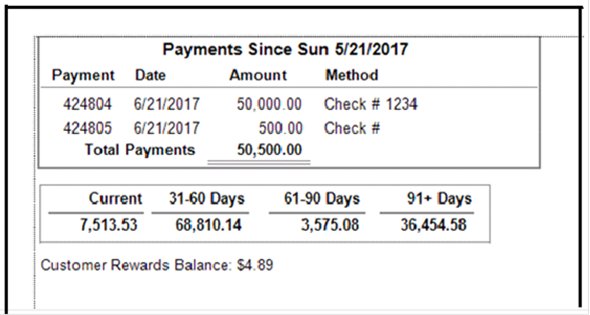
Customer Rewards Statements
When sending out statesments, any customer who is on the loyality rewards program, will receive an updated balance of there rewards