
This allows you to view what is in the different tables in your database.
1. After clicking the database table viewer button, click to select a table from the list.
2. After clicking the table, it will open a new window to see everything in that table. You can click the export buttons at the top left of the screen to export to excel or a csv file.
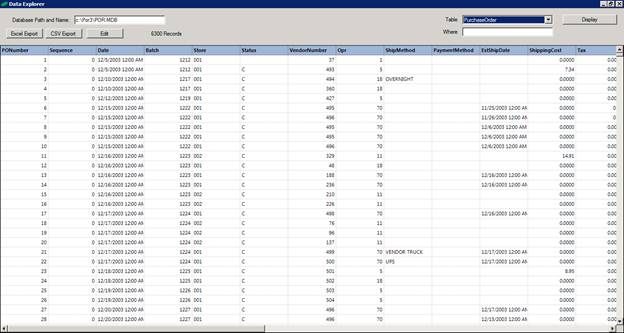
This is a great tool for exporting tables to csv files for editing and using with the item update feature.