
The Customer Labels by Category routine allows you to print labels for your customers based on whether they have rented items from a particular category. The labels are printed 3 across and 10 down using standard Avery 5160 labels.
When you select Customer Labels, you will be asked to select a category.
Once you select a category, a label for all customers that have rented items within that category will print.
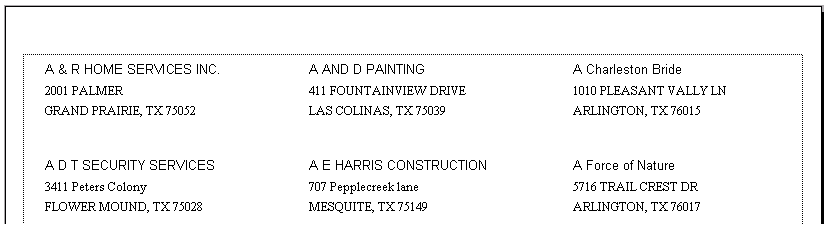
The labels will look like the sample labels below:
Note: If you have only 1 item or a couple of items that you want labels for those renters, create a new temporary category. Change the category of the desired items to the new category. Then run the labels for the new temporary category. After you have printed your labels make sure you change the item’s category back to the normal category.