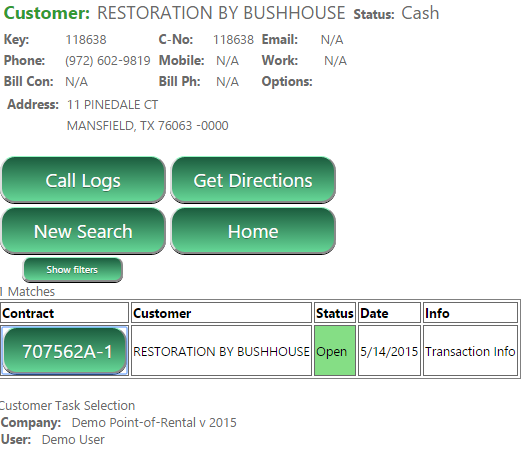
User can search for customers and to find contracts:
Partial Search – Searching for Serial Number. Or part number performs a “Contains” style search. (Name, Alias, and barcode already did this style search). A search for ‘55’ will find XX55XX and 55XXXX and XXXX55. Previously it would only find 55XXX.
Show/Hide – The Show/Hide feature display options to refine your Contracts, Customer, and Item Searches by Item Type, Contract Status, Sales Rep, Customer Type. These selections are saved to your device, when the next time you do a search, these features will apply.
Availability – When searching for inventory you will see the current availability display in the In and Out columns. Allowing Sales Reps to see what inventory is avaiable when out on a jobsite. The same information is displayed when a specific item record is viewed. Values will be shown with a Red cell when less than 1 remains In, otherwise the cell will be Green.
*Note- this availablilty data is for the current day and updated every 5 minutes from your server by default.
Colors - Items and special fields will display the appropriate red, green, yellow or gray colors, as seen in Counter System and File Maintenance.