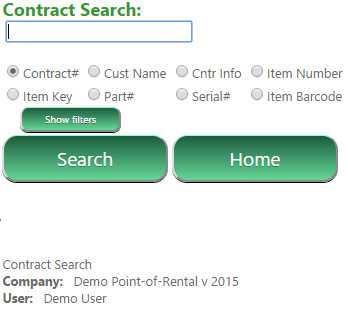
User searches for or scans in a contract number:

User selects a contract and is presented with potential tasks they can perform:
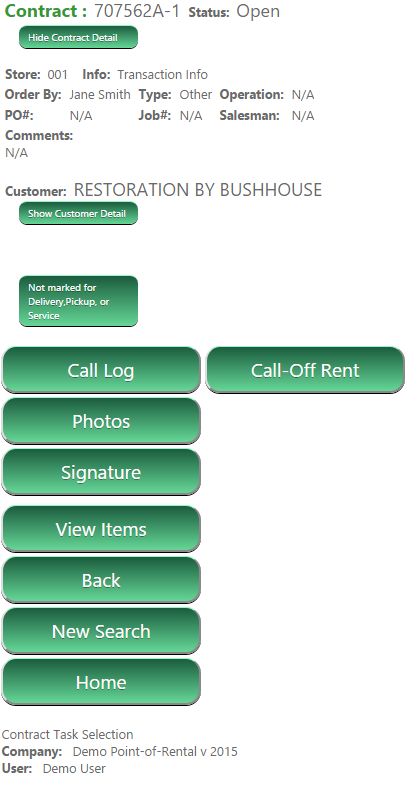
Once a task is selected, the Employee collects any additional data required, such as typing or speaking a call log, taking a photo, or obtaining a signature. Once the task has all the required data collected, the employee presses “Submit”
Once the task is submitted the GPS location and timestamp are stored and saved onto your company’s data store on Point-of-Rentals Workforce server.