
When closing a contract with an hour-metered item on it, you will be asked what the meter reading coming back is.
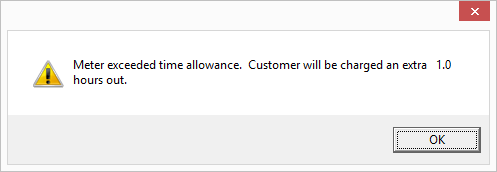
If the metered hours used are greater than the allotted time set in your parameters, you will receive the following message.
Example: If you allow 10 meter hours in a day and the meter reading is for 11 hours you will get this message.
Another message you may see is when the meter used exceeds the actual time out. Example: A one day (24hrs) rental with a Meter Reading coming back of 25 hours.

This is physically impossible and you will get a warning that asks if you want to Re-enter the meter reading (the program assumes that you have made a mistake).

If you choose not to re-enter, you will be given the option to use the meter reading or the actual time out to calculate charges.

If you have a GPS(AEMP) installed on this asset you will have the option to pull the hour meter reading from the GPS unit.
