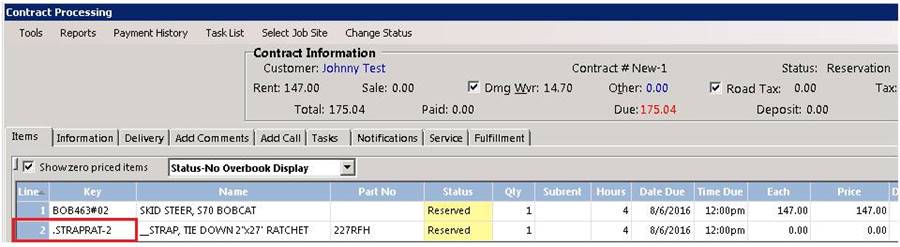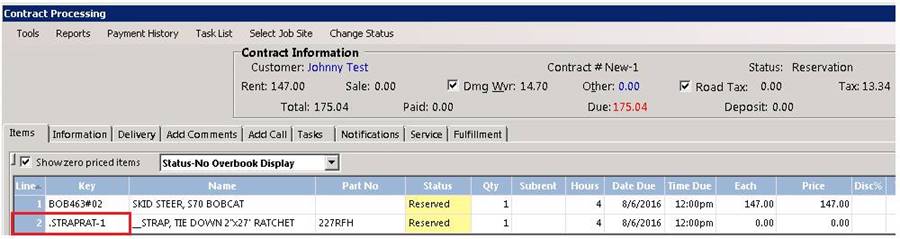
You have written up a reservation and are excited to receive the revenue: however, you don't have the items in stock and you will need to pull the from another location to capture the revenue. There is a new option from within the contract to allow you to Change Item's Store. This will allow you to set all of the items to be from a different store than yours without changing the store of the contract.
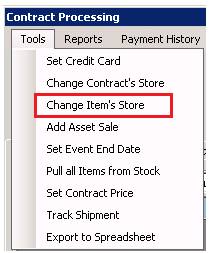
From with in the contract, go to Tools>Change Item's Store
Select the Store you are pulling the items from.

Item have been pulled from store 2 and added to the contract.