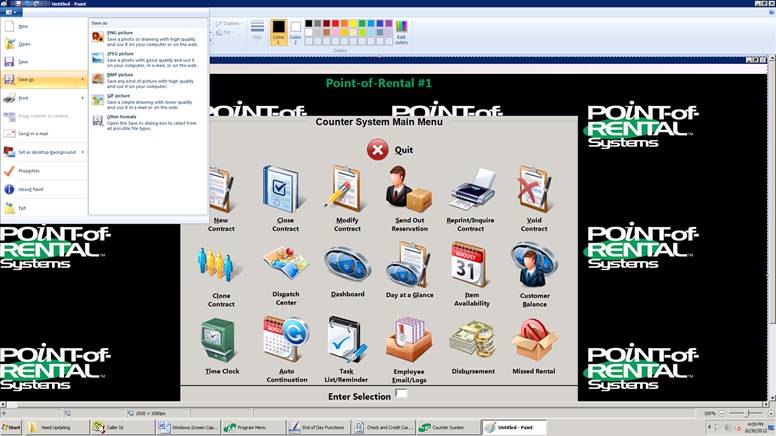
Overview: Screen capture enables you to take a still image of your entire computer screen at any given time. Here's a little insider tip for you, when we publish images in our How To's, this is how we do it.
1. Hold the Ctrl key on the bottom left corner of the keyboard and then press the Print Screen button on the top right corner of the keyboard.
2. To capture only the active window, use the Alt key instead of the Ctrl key.
3. Next, open a program such as WordPad or Paint.
4. Hold the Ctrl key down and press the V key (paste).
5. Print or save your image.