• Allows you to stop the rental time but doesn't close out the contract or the item. When the item is picked up and brought back to your store you can close the contract as your normally would. The system will allow you log the call-off in a Call Log and provide a call-off number (the call log number) for the customer. You will also be prompted to schedule the pickup and add pickup charges if desired.
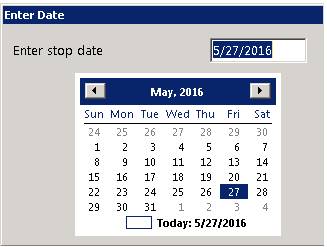
Select a date for the call-off (typically today). *Note: Entering a date before today for stop date will require a Store Manager or higher password. This security requirement cannot be changed by the user.
Enter Stop Time

Once the Stop time has been entered the call log box will appear, you must enter a call log type.

Once the call log is complete, it will assign a call number.

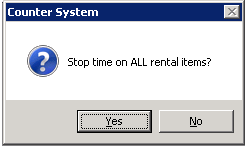
You will have the option to either stop the time on individual item or all items.
You can enter a new pick up date and time for the items.
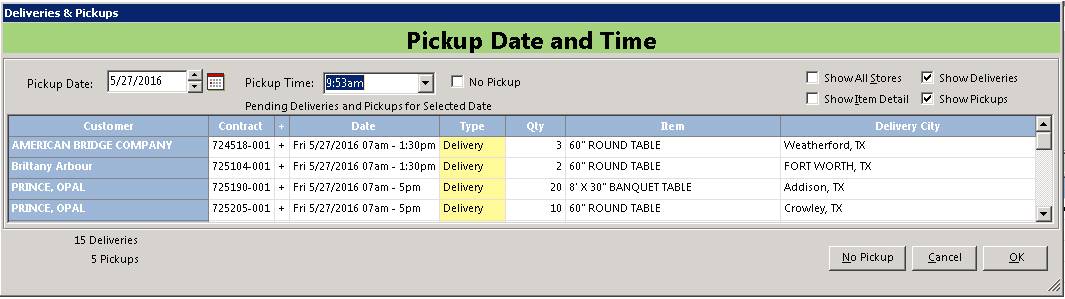
*Note - When you call a entire contract Off Rent, the program automatically prompted you for your pickup information, You will now be automatically prompt to set the pickup address on particle items as well. If you have separate pickup items setup (items whose keys start with (PKUP), the system will automatically charge the customer for the delivery as well.
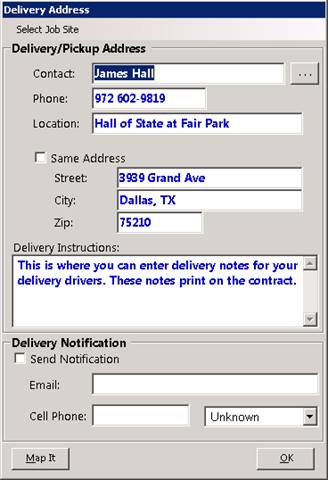
Verify the Delivery Address