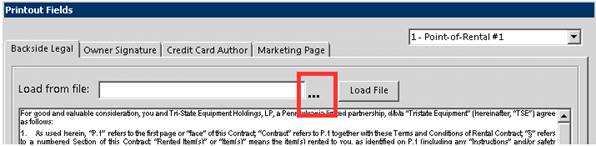
This option is for the full page legalese that prints on the backside of the contract. It will need to be saved to your server prior to adding the documentation into Point of Rental. Once the documents have been added to the server, you can load the document form file. Click on the three dots next to the load from file box.
A windows explorer window will open, so that you can find your saved document. Once selected click ok, then select load.
You should see your document displayed in the preview window.

Click OK to save.