
Automatic IMO Generating: When configuring item maintenance there is the option for the system to automatically create an IMO at the closing of a contract when the item is due for said task. This is not recommended for maintenance that is done regularly, such as a standard service upon return. It is used more for critical tasks, such as annual inspections or registrations. This ensures these tasks are completed.
1. Upon the closing of a contract, the user will be notified of the maintenance that is due.

2. Chose whether or not to print the To-Do file. If a To-Do list has not been defined this message will not appear.

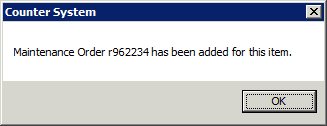
3. An IMO will automatically be created and can be found under the IMO tab in Day at a Glance.
Edit the Internal Maintenance order as usual and close it when finished. From the Counter System menu, click Tools> Maintenance Due. Clear the maintenance due on the item by clicking on, check the box to complete the frequency and do NOT select “Create Maintenance Required Contract”.
