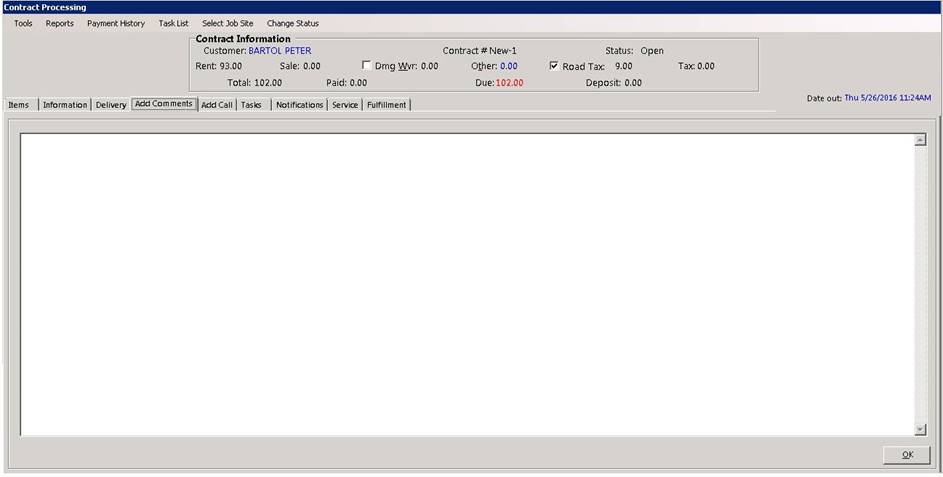
Contract Comments: Select the contact comments tab to view the comments. If you wish to edit or enter new comments push the ENTER key and type them in or use the standard Windows editing features. To exit comments, press ESC or click the OK button. To get to the OK button with the keyboard, you must push the TAB key. The comments will be printed on the contract under the last rental item. If there isn’t enough room for the comments, another contract form will be used with the same header followed with the comments. If comments exist, the tab will state “View Comments”. If no comments exist on this contract, the tab will state “Add Comments”.