How to get there>Program Menu, select #9 Configuration>Accounting Configurations>Disbursement Items.
Click on the add button to create the disbursement
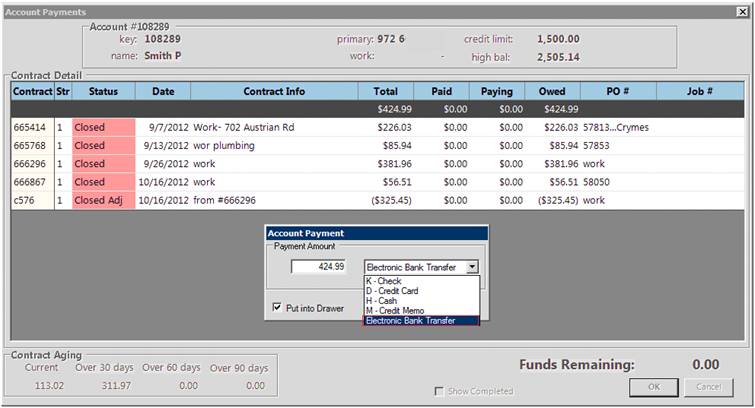
You can create a disbursement item to be used as an alternative payment type; EFT, Pay Pal, Direct Deposit, etc… The disbursement becomes a payment type when making an Account Payment.
Use as Account Payment Method - With box checked, it will allow you to use a payment method when taken a payment through Accounts Receivable
Use as Counter Payment Method - With the box checked, it will allow you to use as a payment method when taking a payment at the counter.
Separate GL Entry per disbursement - With the box checked, it will create a separate GL file at the End of Day in you IIF files to be imported.
Maximum Disbursement - Allows you to set the dollar amount based on security level to create a disbursement.