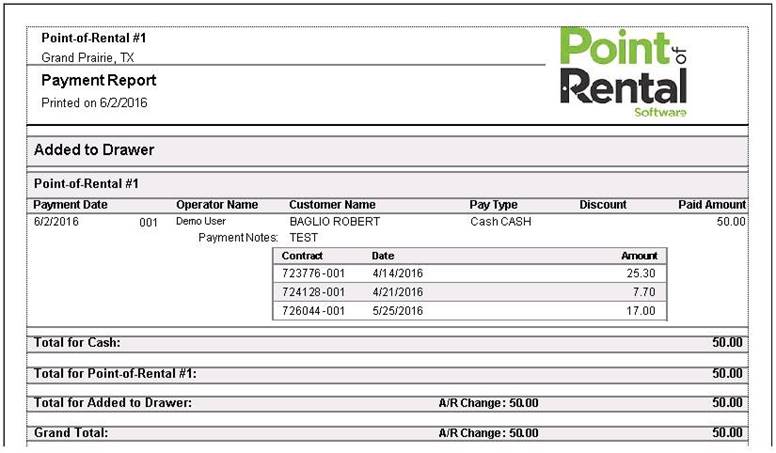
How to get there: Program Menu > Accounts Receivable > Account Payments Report
The Account Payment Report prints all of the customers with payments made to their accounts. It will display the Payment Date, Operators Name, Customer Name, Payment Type, Discounts, Paid Amount, Contract number, and amount paid.
You can select some parameters for the report to include.
Report Dates: Select a beginning date and an ending date for the report
Grouping: You have the option of selecting how you want the report to group the data
Store: You also have the capability to select all stores or look at an individual store.